Best Free Online Image Tools in 2025
Discover the top free browser-based image tools for conversion, compression, resizing, and editing — no software needed.
Whether you are a designer, developer, blogger, or everyday user, image tools are something you reach for constantly. Resizing a photo for social media, converting a PNG to JPG, or compressing an image before uploading — these tasks come up all the time. The good news is you no longer need expensive desktop software to handle them.
In 2025, free browser-based image tools have become powerful enough to replace most desktop apps for everyday tasks. Here is a rundown of the best categories and what to look for.
1. Image Format Converters
Converting between image formats is one of the most common needs. JPG is the go-to for photos, PNG preserves transparency, WebP offers better compression for the web, and BMP is required by some legacy systems. A good online converter handles all these instantly without losing quality.
Popular conversions include JPG to PNG, PNG to JPG, JPG to WebP, and Image to Base64 for embedding images directly in HTML and CSS.
2. Image Compression Tools
Page speed is a ranking factor for Google, and oversized images are the number one culprit for slow websites. A good image compressor reduces file size by 50–80% while keeping quality visually identical. Look for tools that support both lossy and lossless compression.
3. Image Resizers
Resizing images to exact pixel dimensions is essential for social media posts, email headers, thumbnails, and print. Browser-based resizers let you set exact width and height or resize by percentage — no Photoshop needed.
Try the Image Resizer for quick dimension adjustments directly in your browser.
4. Base64 Encoders/Decoders
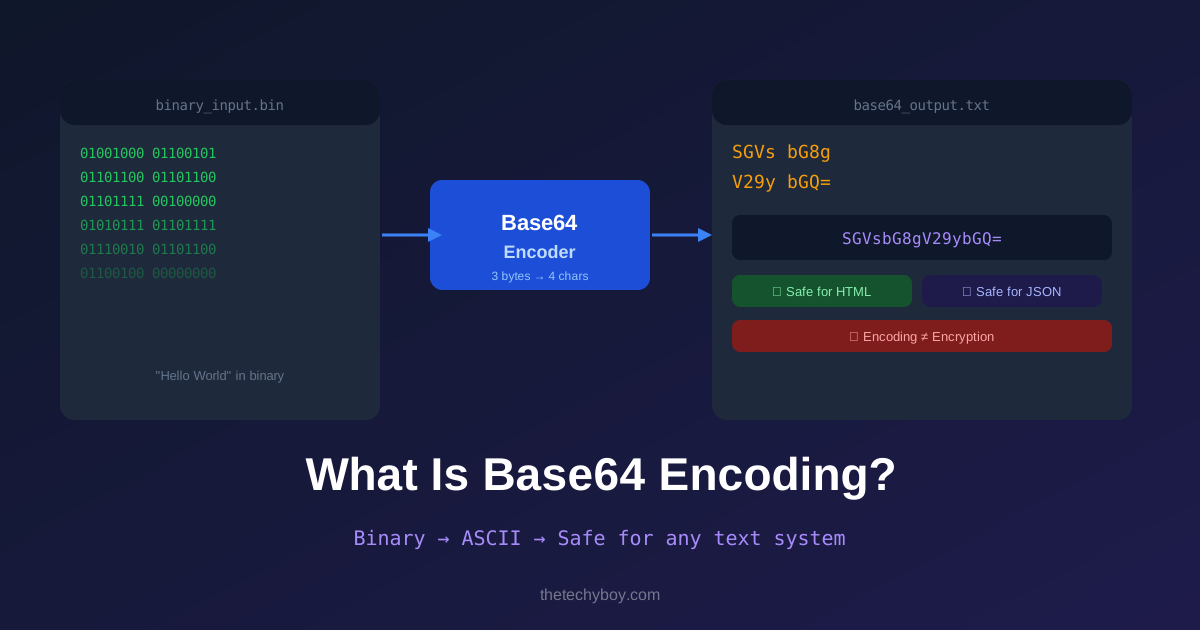
Developers frequently need to embed images as Base64 strings directly in HTML, CSS, or JSON — avoiding extra HTTP requests. The Image to Base64 tool converts any image to its Base64 encoded string instantly, and Base64 to Image reverses the process.
5. Image Enlargers
Sometimes you need to upscale a small image without it turning blurry. Modern AI-powered enlargers use interpolation algorithms to intelligently add pixels and preserve sharpness. The Image Enlarger tool handles this entirely in the browser.
Tips for Choosing the Right Image Tool
- Privacy matters — choose tools that process images in your browser, not on a server
- No sign-up required — the best tools are instant and account-free
- Check format support — make sure the tool handles your input format
- Batch processing — useful if you handle many images regularly
Conclusion
Free online image tools in 2025 are genuinely impressive. For the vast majority of everyday image tasks, you do not need to install anything. Browse the full TheTechyBoy image tools collection to find the right tool for your next project.
Popular Tools
Recent Posts