How to Check Your Website Speed and Improve It
Website speed directly affects your Google rankings and user experience. Here is how to measure and improve it.
Website speed is no longer just a nice-to-have — it is a confirmed Google ranking factor and a major driver of user experience. A one-second delay in page load time can reduce conversions by 7%, and 53% of mobile users abandon sites that take more than 3 seconds to load. Here is how to measure your site speed and take action to improve it.
How to Check Your Website Speed
Several free tools measure website performance and provide detailed recommendations:
- Google PageSpeed Insights — the most authoritative tool, directly reflects how Google perceives your page speed
- GTmetrix — detailed waterfall analysis showing exactly which resources are slow
- WebPageTest — advanced testing from multiple global locations
- Lighthouse — built into Chrome DevTools, runs locally
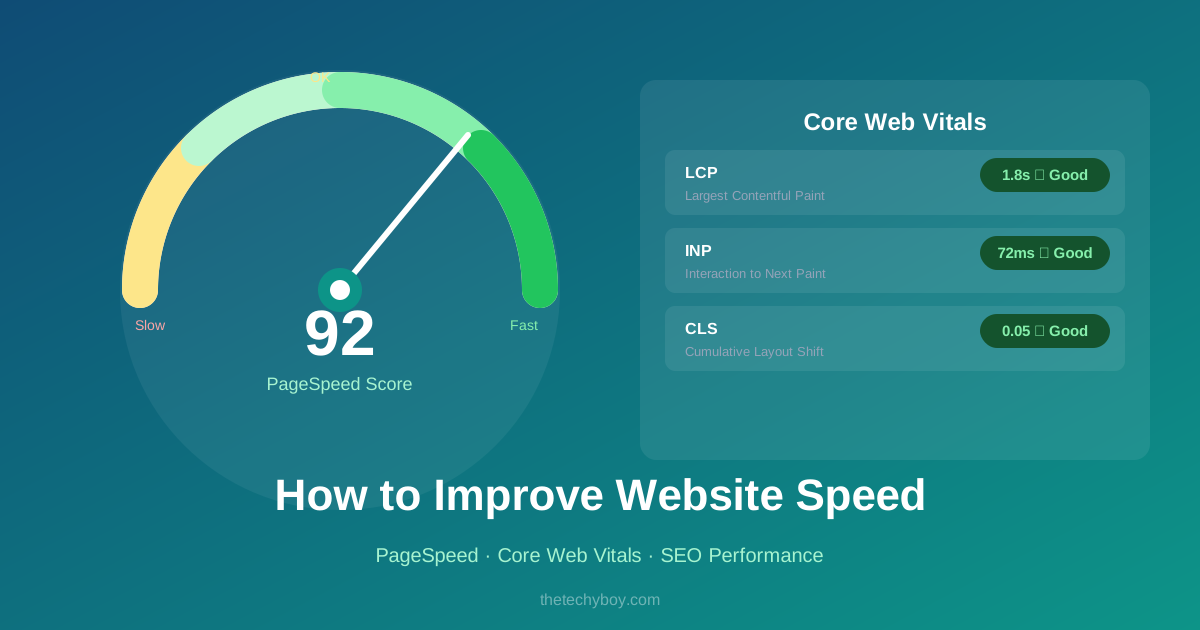
Aim for a PageSpeed score above 90 on both mobile and desktop. The mobile score is weighted more heavily for Google rankings.
Key Metrics to Understand
Largest Contentful Paint (LCP)
Measures how long the largest visible element (usually a hero image or heading) takes to load. Target: under 2.5 seconds.
First Input Delay (FID) / Interaction to Next Paint (INP)
Measures responsiveness — how quickly the page reacts to user interaction. Target: under 100ms.
Cumulative Layout Shift (CLS)
Measures visual stability — how much page elements unexpectedly shift as the page loads. Target: under 0.1.
How to Improve Website Speed
1. Optimise Images
Images are typically the largest resources on any page. Compress them before uploading, use modern formats like WebP, and specify width and height attributes to prevent layout shifts. Use the JPG to WebP converter to convert your images to the more efficient WebP format.
2. Enable Caching
Browser caching stores static resources (CSS, JS, images) locally so returning visitors do not re-download them. Configure Cache-Control headers on your server for at least 1 year on versioned assets.
3. Minify CSS, JavaScript and HTML
Remove whitespace, comments, and unnecessary characters from your code files. Most build tools (Webpack, Vite) do this automatically for production builds.
4. Use a Content Delivery Network (CDN)
A CDN serves your static assets from servers geographically close to your visitors, dramatically reducing latency. Cloudflare offers a free tier that works for most small to medium sites.
5. Defer Non-Critical JavaScript
Scripts that are not needed for the initial render should be deferred or loaded asynchronously. Add defer or async attributes to script tags where appropriate.
6. Choose Fast Hosting
No amount of optimisation overcomes fundamentally slow hosting. Choose a host with SSD storage, adequate RAM for your traffic, and servers geographically close to your target audience.
Conclusion
Improving website speed is an ongoing process, not a one-time task. Start by measuring your current score, fix the biggest issues first (usually images and render-blocking scripts), and retest. Even modest improvements can have a meaningful impact on both rankings and user satisfaction.
Popular Tools
Recent Posts