ICO Converter
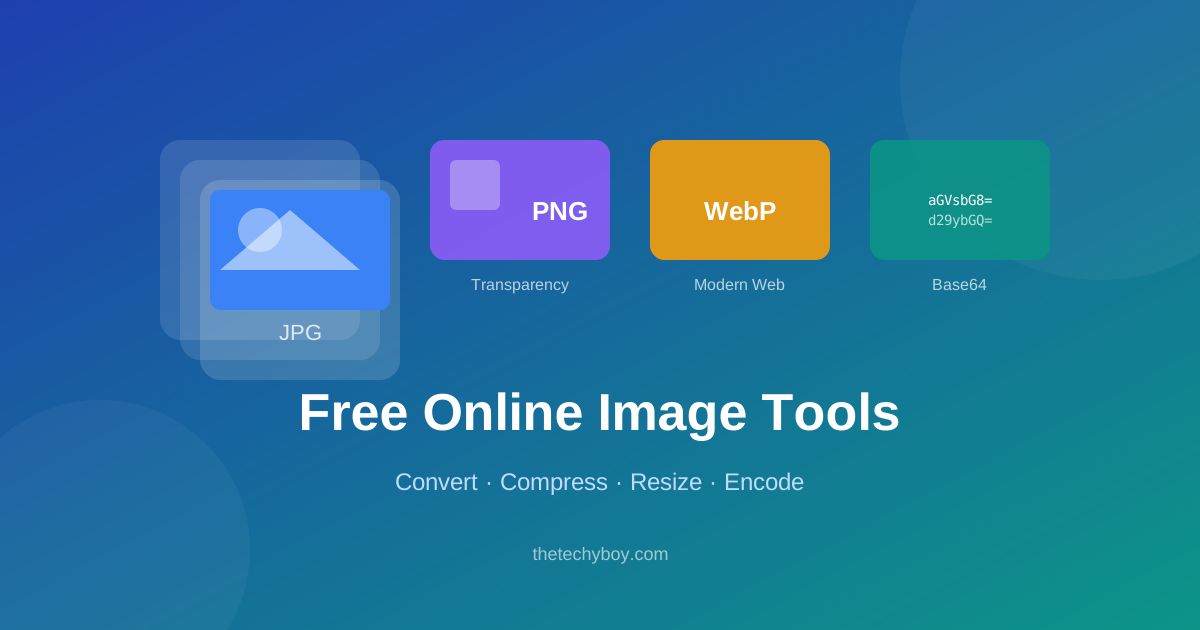
The ICO Converter transforms your PNG, JPG, or WebP images into ICO format — the standard file type for website favicons and Windows application icons. A well-designed favicon is a small but important branding element: it appears in browser tabs, bookmarks, search results, and your website's address bar, instantly making your site recognizable.
Creating ICO files used to require dedicated software like IcoFX or Photoshop with plugins. Our free online ICO Converter eliminates that barrier — just upload your image and get a properly formatted ICO file with multiple embedded sizes in seconds. No registration, no watermarks, no cost.
Key Features
- Multi-size ICO output — generates ICO files containing 16×16, 32×32, 48×48, and 64×64 frames in a single file.
- Accepts PNG, JPG, WebP, GIF — upload from any common image format.
- Transparent background support — PNG inputs with transparency produce correctly transparent ICO files.
- Instant preview — see how your favicon will look at small sizes before downloading.
- No software required — runs entirely in your browser.
- Free and unlimited — create as many favicons as you need.
How to Create an ICO File
- Upload your logo or image (PNG with transparent background recommended for best results).
- Select which icon sizes to include in the ICO file (16×16, 32×32, 48×48, 64×64).
- Preview how your icon looks at each size.
- Click Convert to ICO and download your favicon.ico file.
- Upload the ICO file to your website's root directory and add
<link rel="icon" href="/favicon.ico">to your HTML head.
What Makes a Good Favicon?
A great favicon is simple, recognizable at 16×16 pixels, and uses your brand colors. Avoid fine text or complex details that become illegible at small sizes. Use a square composition and a transparent PNG for the source image. Many designers create a simplified monogram or icon mark specifically for favicon use rather than scaling down a full logo.
Frequently Asked Questions
What image size should I use as the source?
Use at least a 64×64 pixel PNG with a transparent background for the best favicon quality. Larger source images (256×256 or 512×512) produce even better results.
How do I add a favicon to my website?
Upload favicon.ico to your website's root folder and add <link rel="shortcut icon" href="/favicon.ico" type="image/x-icon"> inside the <head> tag of your HTML.
Do I need separate PNG favicons for mobile?
Yes. Modern websites also use apple-touch-icon.png (180×180) for iOS home screen icons. Use our PNG to ICO tool and Image Resizer to generate all needed sizes.
Is the ICO format still necessary in 2024?
Yes. Despite modern browsers supporting PNG favicons, ICO is still the most reliable format for cross-browser favicon support, especially in older browsers and Windows desktop applications.






Popular Tools
Recent Posts