Essential Text Tools Every Writer and Developer Needs
From word counters to case converters — the free online text tools that save hours of manual work every week.
Text manipulation is at the heart of almost every digital workflow. Whether you are a content writer polishing an article, a developer formatting data, or a student checking an essay — there are text tools that can save you significant time every day.
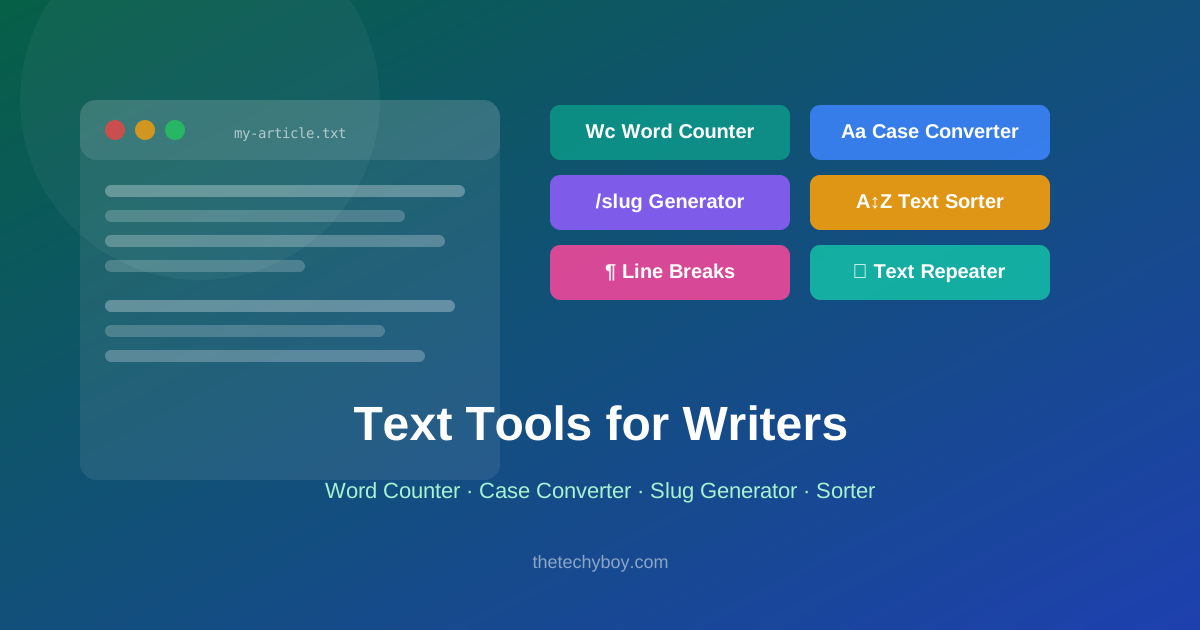
1. Word Counter
The Word Counter is arguably the most used text tool online. Paste any text and instantly get the word count, character count, sentence count, and reading time. Essential for writers working within submission limits, SEO professionals targeting specific content lengths, and students meeting assignment requirements.
2. Case Converter
Need to change text to UPPERCASE, lowercase, Title Case, or Sentence case in bulk? The Case Converter handles all of these instantly. Particularly useful when dealing with data exports that come in inconsistent casing, or when formatting headings for a document.
3. Text to Slug Generator
A slug is the URL-friendly version of a title — lowercase, hyphens instead of spaces, no special characters. The Text to Slug tool converts any text to a clean slug instantly. Invaluable for bloggers, developers, and CMS users creating SEO-friendly URLs.
4. Lorem Ipsum Generator
Every designer and developer needs placeholder text at some point. The Lorem Ipsum Generator produces paragraphs of standard placeholder text on demand — specify how many words, sentences, or paragraphs you need.
5. Text Repeater
Need to repeat a word, phrase, or paragraph a set number of times? The Text Repeater does it instantly. Great for generating test data, filling templates, or creating repetitive content patterns for development purposes.
6. Remove Line Breaks
When copying text from PDFs or certain editors, unwanted line breaks appear everywhere. The Remove Line Breaks tool strips them out in one click, giving you clean, flowing text ready to paste anywhere.
7. Text Sorter
Alphabetically sorting a list — whether it is a list of names, items, or keywords — by hand is tedious and error-prone. The Text Sorter sorts any list instantly, with options for ascending, descending, or reverse order.
Building a Text Tool Workflow
The most productive writers and developers use a small set of tools consistently. A typical content workflow might look like: write in your editor → paste into Word Counter to check length → run through Case Converter to fix headings → generate a slug with Text to Slug → done.
Conclusion
Free online text tools eliminate the manual, repetitive work that slows down writing and development. All the tools mentioned above are available for free on TheTechyBoy — no installation, no account, instant results.
Popular Tools
Recent Posts