PNG to WebP
Converting your PNG images to WebP format is one of the fastest ways to improve your website's loading speed and Google PageSpeed score. WebP images are 25–35% smaller than equivalent PNG files at the same visual quality, thanks to Google's advanced compression algorithm. Our PNG to WebP Converter makes this optimization effortless — upload your PNG and download an optimized WebP in seconds, completely free.
WebP supports both lossless and lossy compression, as well as transparency (alpha channel) — making it a superior alternative to both PNG and JPG for web use. All modern browsers including Chrome, Firefox, Safari (iOS 14+), and Edge fully support WebP, making it safe to use across your entire website today.
Key Features
- 25–35% smaller file size than PNG at equivalent visual quality.
- Transparency preserved — unlike JPG, WebP supports alpha transparency.
- Lossless and lossy modes — choose lossless for pixel-perfect quality or lossy for maximum compression.
- Quality slider — fine-tune the compression level for optimal results.
- Supports any PNG size — no file size restrictions.
- Private and browser-based — files are processed locally and never uploaded.
How to Convert PNG to WebP
- Upload your PNG image using the Choose File button.
- Select your preferred mode: Lossy (smaller file, very slight quality reduction) or Lossless (same quality, still smaller than PNG).
- Adjust the quality slider if using lossy mode (80 is recommended).
- Click Convert to WebP and download your optimized image.
Why WebP is the Best Image Format for Websites
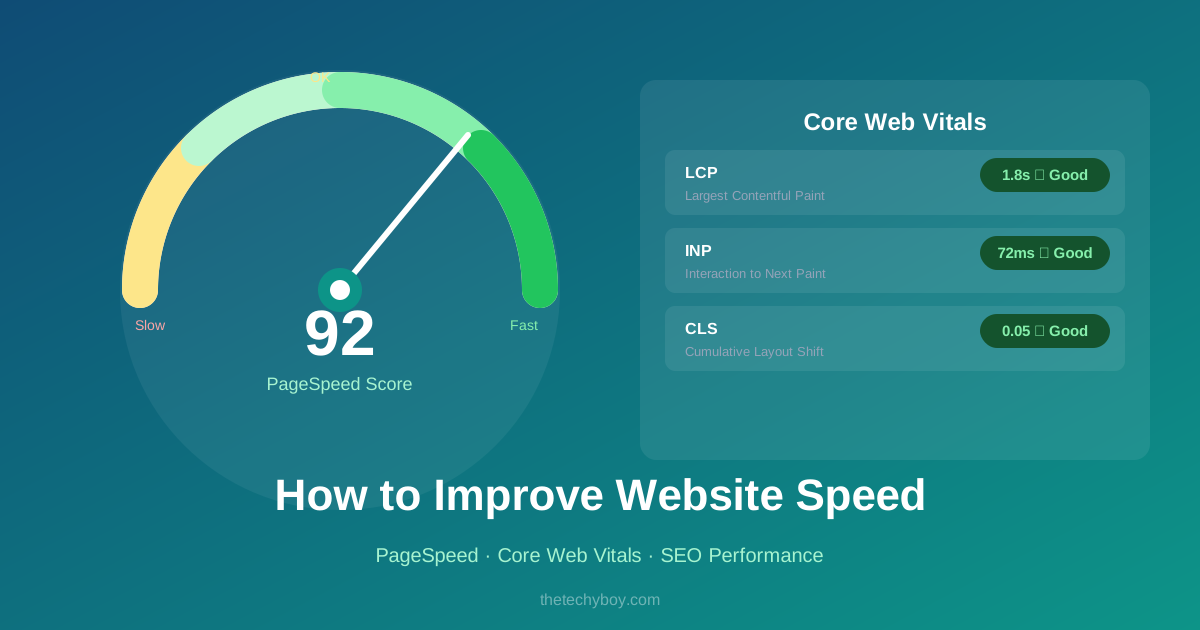
Google developed WebP specifically to make the web faster. When you convert images to WebP, you reduce total page weight, improve Core Web Vitals metrics (especially Largest Contentful Paint), and reduce server bandwidth costs. Google PageSpeed Insights explicitly recommends "Serve images in next-gen formats" — and WebP is that next-gen format. E-commerce sites that switch product images to WebP often see 15–25% reductions in total page size.
Frequently Asked Questions
Does WebP support transparency like PNG?
Yes. WebP fully supports alpha transparency, making it a perfect replacement for PNG in all use cases including logos, icons, and cut-out images.
Is WebP supported by all browsers?
WebP is supported by all modern browsers: Chrome, Firefox, Edge, Safari (since version 14 on iOS/macOS), and Opera. It covers over 95% of global browser usage as of 2024.
What quality setting should I use?
For lossy WebP, a quality of 75–85 provides excellent visual results with maximum file size savings. For images where quality is critical (product photos, portfolio images), use 85–90.
Should I replace all my PNGs with WebP?
For web use, yes — WebP is almost always better. Keep original PNG files as backups for editing. Serve WebP on your website using the HTML <picture> element with a PNG fallback for older browsers.






Popular Tools
Recent Posts